Block Query
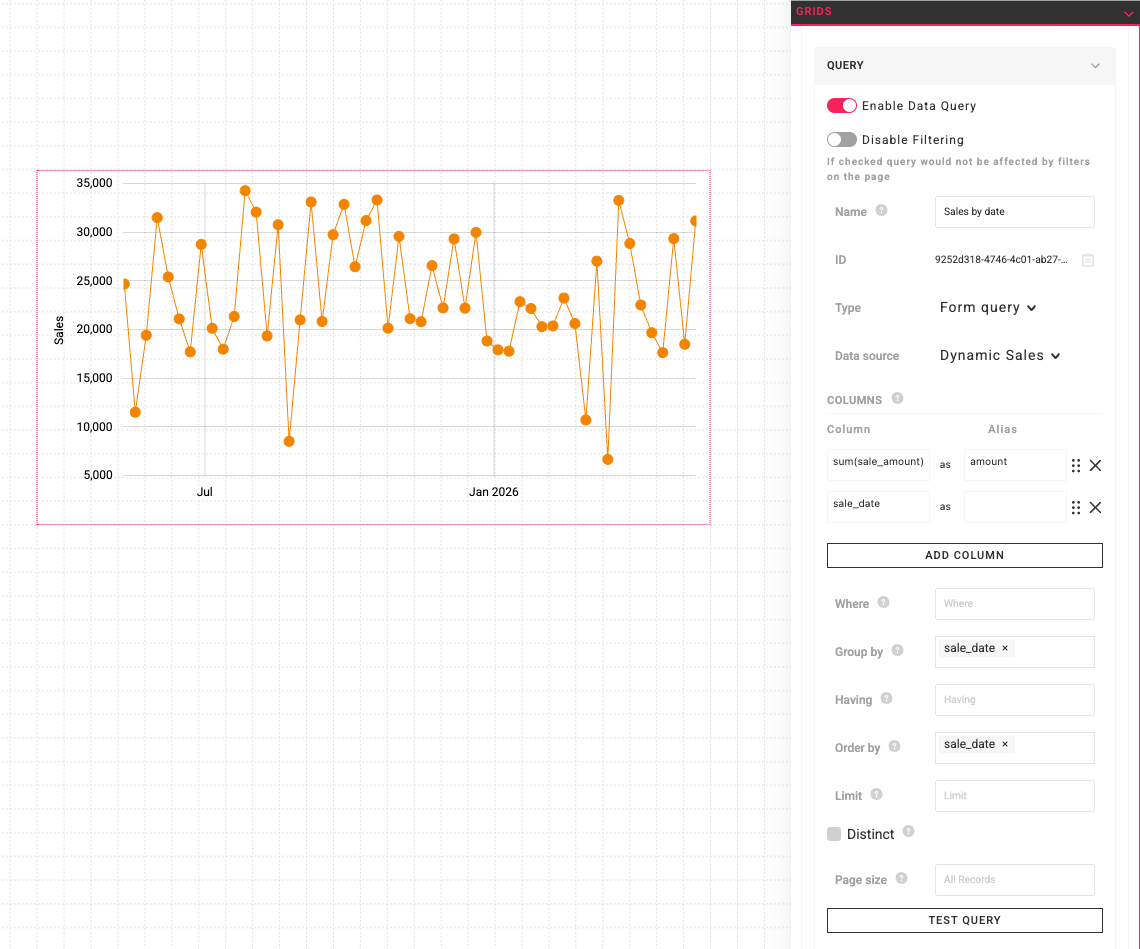
A Query is a SELECT statement that is applied to the set of data defined by a Data Source. Each Block may have a Query. Queries are used to generate the exact data needed by a specific Block.
Datasource Alias
When you write a SQL query in the block query editor, the selected Data Source is exposed as an alias named datasource. Your block query runs against this alias, not directly against the underlying database tables.
-- Recommended: query the datasource alias
SELECT * FROM datasource
Internally, the Portal wraps the data source's SQL as a subquery and applies the alias before executing the block query. This lets the block reuse everything defined on the data source — parameters, filters, and any columns or transformations added in the data source SQL — without having to repeat them in every block query.
Why You Should Use the Alias
A block query that selects from datasource automatically inherits everything the data source provides:
- Data source parameters — values from Query Context Parameters (the current user's id, email, group memberships) or default parameters substituted into the data source SQL.
- Data source filters — global filters and range filters set on the data source by other blocks.
- Computed or transformed columns — additional columns, expressions, joins, or
WHEREclauses defined in the data source SQL. - Named credential routing — if the data source uses a Named Credential, the block query runs against that database connection.
What Happens If You Bypass the Alias
The block query editor does not prevent you from referencing the underlying tables directly (for example, SELECT * FROM bikeshops). When you do this, the block query no longer goes through the data source — it runs straight against the database. The result is that the data source's parameters, filters, and computed columns are silently dropped.
This is almost never what you want. A query that works correctly while you are editing it can return different data in production once filters or parameters are applied elsewhere on the page.
Example
Consider a data source that adds a synthetic date column to the bikeshops table and exposes a region parameter:
-- Data source SQL
SELECT
    (CURRENT_DATE - (random() * 365)::int) AS date,
    *
FROM bikeshops
WHERE region = :region
A block query that uses the alias inherits both the date column and the region filter:
-- Block query — uses the alias
SELECT date, shop_name, sales
FROM datasource
ORDER BY date DESC
A block query that references the underlying table directly bypasses the data source entirely. The date column does not exist, and the region parameter is never applied:
-- Block query — bypasses the alias (not recommended)
SELECT shop_name, sales
FROM bikeshops
ORDER BY shop_name
| Block query | date column |
region parameter |
Data source filters |
|---|---|---|---|
SELECT * FROM datasource |
✅ included | ✅ applied | ✅ applied |
SELECT * FROM bikeshops |
❌ missing | ❌ ignored | ❌ ignored |
When to Reference Tables Directly
Direct table references are valid SQL and are occasionally useful — for example, joining the data source against a small lookup table that is not worth modelling as its own data source:
SELECT d.*, r.region_name
FROM datasource d
JOIN regions r ON r.id = d.region_id
In this case the block query still selects from datasource for its primary data and only reaches into another table for the join. Avoid replacing the datasource alias with the underlying table name unless you have a specific reason and understand that data source parameters, filters, and transformations will not be applied.