Admin User & Groups Management
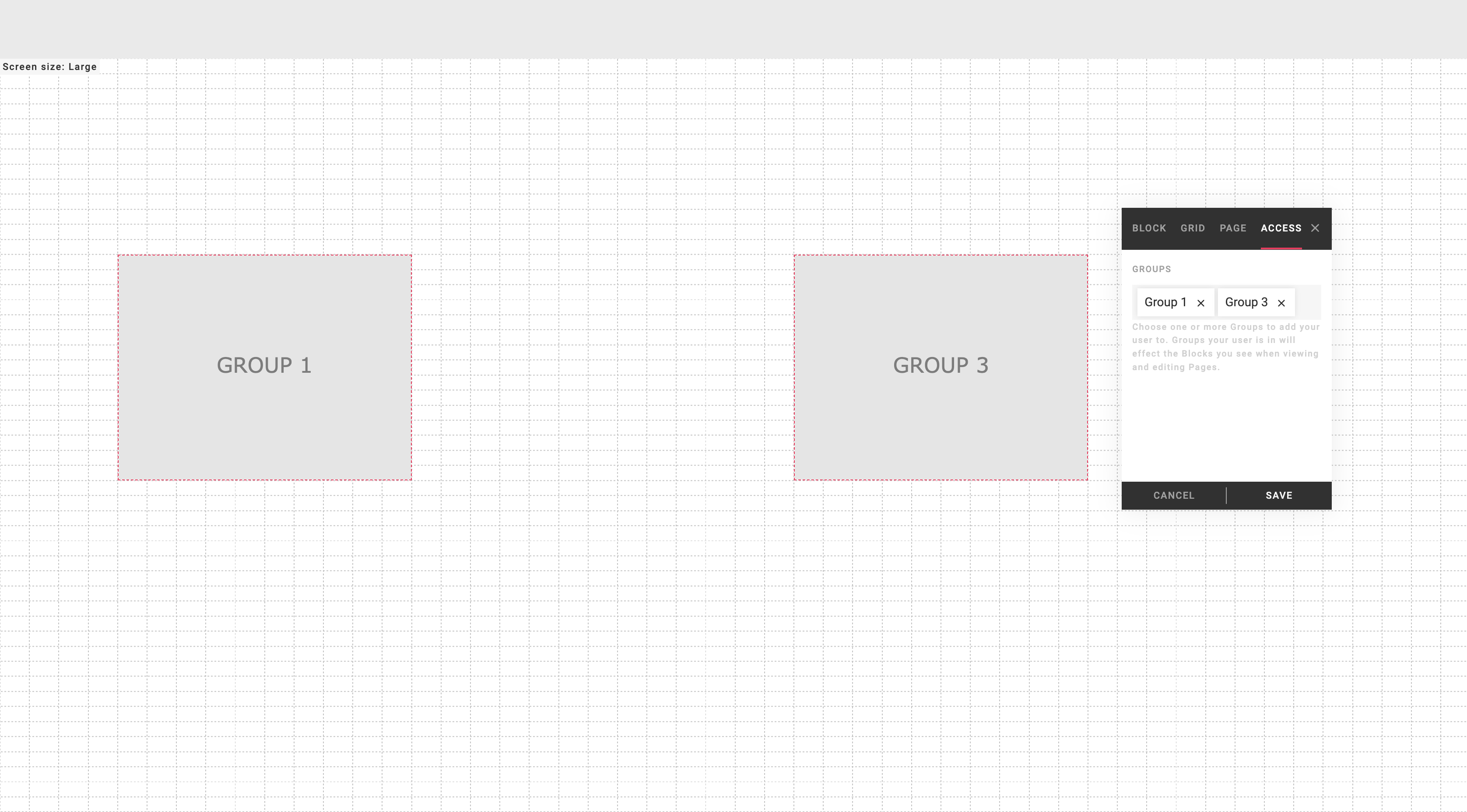
To simplify page editing for administrators, the sidebar editor features an intuitive Access tab equipped with an editable Admin group list. This field allows for dynamic modification of an administrator's assigned groups, enabling on-the-fly adjustments. Upon altering the group list, the corresponding page layout automatically adapts, displaying the appropriate set of blocks for the revised group configuration.
Consider a scenario involving three HTML blocks, each assigned to a specific group:
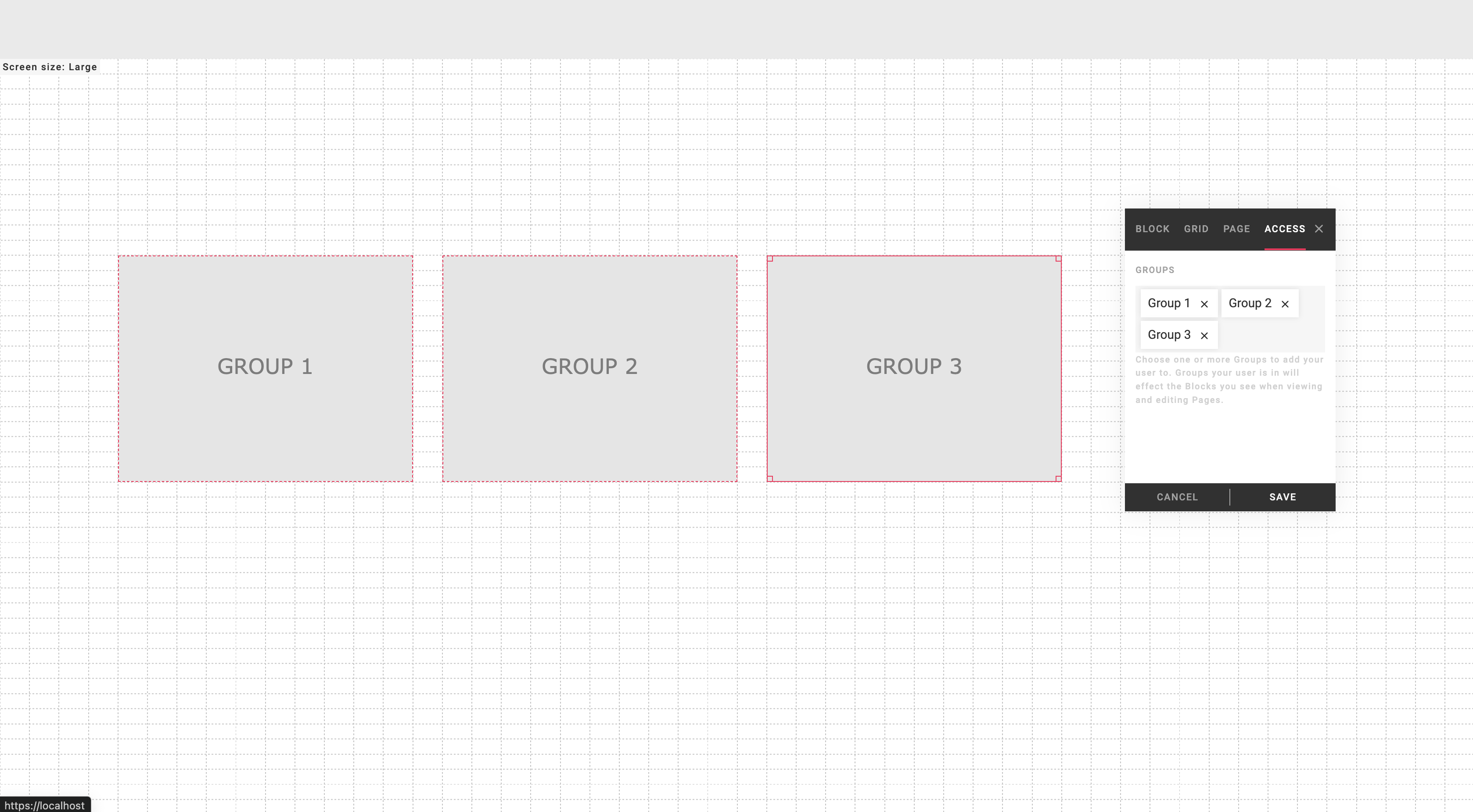
Upon modifying the Admin group list, the page layout seamlessly adjusts to accommodate the updated group configuration. As demonstrated in the subsequent image, only the relevant HTML blocks remain visible, catering to the new group settings: