Admin Overview
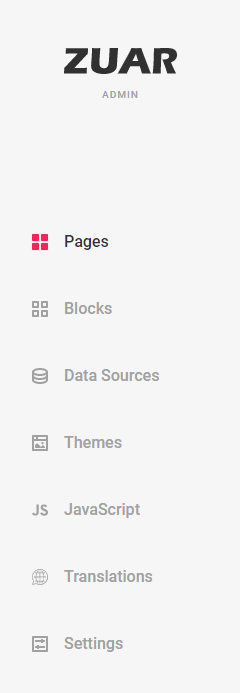
The Zuar Portal admin console has admin sections for:
- Blocks
- Content Packs
- Data Sources
- Experience Assistant
- Javascript
- Pages
- Settings
- Themes
- Translations
- Writeback
Accessing the Admin Console
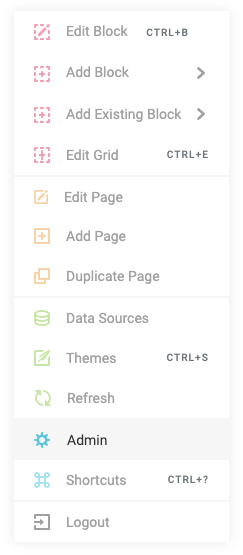
Open the admin menu by pressing CTRL + Right Click as an admin user on any page. Select Admin.